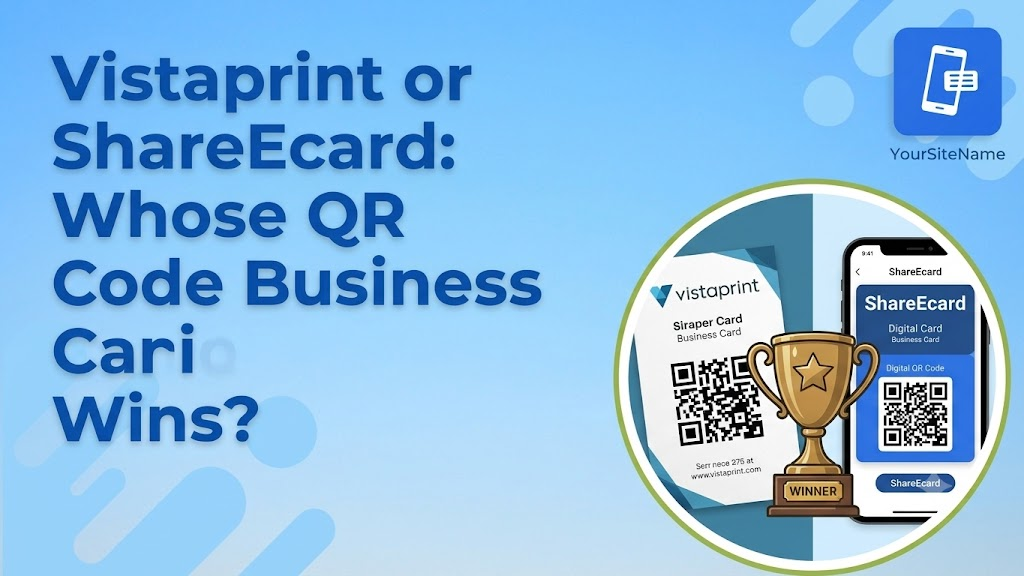
A QR code business card is the simplest bridge between a physical handoff and a digital profile. No chip, no app, just a code someone points their camera at. Both Vistaprint and ShareEcard offer this option, but they build it on very different foundations, one printed and static, the other digital and instantly editable. Here is how the two actually compare.
What a QR Code Business Card Does
A QR code business card carries a printed or displayed code that links to your contact details, website, or a full digital profile. Anyone with a smartphone camera can scan it without downloading a separate app, and the code opens a browser page with your information in a couple of seconds. It is the most universal sharing method available today, since it works on nearly every phone made in the last several years, regardless of operating system.
Vistaprint QR Code Card Review
Vistaprint’s QR code cards are printed cards with a scannable code added to the design, part of its broader VistaConnect system that also covers NFC cards. You choose a template, add your code, and Vistaprint prints the card on standard or premium stock. The code links to a VistaConnect page you can edit after the card is printed, which means the linked content behind the code can change even though the printed card itself cannot.
That is a real advantage over a plain paper card, but it comes with the same limitations found across Vistaprint’s smart card lineup. The design uses a fixed layout built for the scanning technology, so full custom design uploads are limited. And because the QR code is printed once, if you ever need to change the code itself, not just the page behind it, you are back to a full reprint. For a small business or solo professional handing out a modest number of cards, this works fine. For anyone scaling up or changing details often, it adds friction back into a process that is supposed to remove it.
See also: The Benefits of Professional Area Rug Cleaning Services for a Healthier Home
ShareEcard’s QR Code Approach
ShareEcard treats the QR code as one of several equally weighted sharing methods, alongside a direct link, email, and LinkedIn, all pointing to the same live digital profile. You generate your QR code for free, display it on your phone screen, print it on a card, add it to an email signature, or drop it into a conference badge. Because the code always links to the same profile rather than a fixed page tied to a physical print run, updating your job title, phone number, or company name applies instantly to every version of the code already in circulation.
This is also where ShareEcard’s broader toolkit adds value beyond the code itself. Its built-in OCR scanner reads paper business cards you collect at events and digitizes them automatically, turning the exchange into a two-way process rather than something you only manage on your own end. Add a link-in-bio feature for social platforms, and the QR code becomes one entry point into a fuller professional presence, not just a contact form.
QR Code vs NFC Business Card: Which Should You Pick
The QR code vs NFC business card decision usually comes down to convenience versus a slightly more polished tap experience. NFC requires a phone with NFC enabled and a card with an embedded chip, which adds hardware cost. A QR code needs nothing but a camera, works on virtually any smartphone, and costs nothing extra to generate compared to NFC’s per-card premium. For most professionals, a QR code business card delivers the same practical result, instant access to your details, without the added hardware expense or the compatibility questions NFC sometimes raises with older devices.
Comparison at a Glance
| Factor | Vistaprint QR Card | ShareEcard QR Code |
| Cost | Standard card printing price | Free |
| Code updates after printing | Linked page can change, code itself cannot | Code and linked profile both stay dynamic |
| Design flexibility | Fixed layout for scanning compatibility | Fully customizable digital templates |
| Sharing methods | Primarily the printed code | QR code, link, email, LinkedIn |
| Contact collection | Not included | Built-in OCR card scanner |
| Best for | In-person handoffs with a printed object | Frequent networking, events, remote sharing |
Best QR Code Business Card App for Ongoing Use
If you are searching for the best QR code business card app rather than a one-time printed product, the deciding factor is what happens after the code is generated. An app-based platform that lets you edit your profile, track shares, and manage a team from one dashboard will outperform a printed code over time, simply because your information will change and the app adapts while a printed card does not. ShareEcard fits that use case directly, with a free core card and a dashboard built for individuals and growing teams alike.
The Bottom Line
Vistaprint’s QR code business card works well if you want a printed object with a scannable code and you rarely change your details. ShareEcard makes more sense if you want a QR code tied to a profile that updates instantly, costs nothing to generate, and comes with tools to manage the contacts you collect in return. For most people networking regularly, the fully digital option covers more ground for less money.
FAQs
What is a QR code business card?
A QR code business card is a printed or digital card with a scannable code that opens your contact details or full profile in a smartphone browser, with no app download needed.
Is QR code or NFC better for a business card?
A QR code works on almost any smartphone with a camera and costs nothing extra to generate, while NFC requires a compatible phone and an embedded chip that adds to the card’s price. For most everyday networking, a QR code delivers the same result at a lower cost.
Does Vistaprint’s QR code business card update after printing?
The linked VistaConnect page behind the code can be edited after printing, but the printed code and card design itself stay fixed. If the code needs to change, a reprint is required.
What is the best QR code business card app for teams?
Look for a platform with centralized team management, so every employee’s card can be updated from one dashboard. ShareEcard offers this along with a free core card and a built-in contact scanner for cards collected at events.
Can a QR code business card replace a paper card entirely?
Yes, for most professionals. A QR code shared through a phone screen, email signature, or printed card works on nearly any device and updates instantly when paired with a digital platform, removing the need for a paper card altogether.